From first tee to coaching report

Set up once. Score every round. Improve with every read.

Up and running in minutes

1

Install on your phone

Open mygolfinsights.com in Chrome (Android) or Safari (iPhone). Tap Add to Home Screen. That's it — no App Store, no account, no payment details. It installs like a native app and works offline from that moment.

2

Complete the setup wizard

First launch opens a quick 2-step wizard: build your bag (clubs and carry distances) and find your course (search our database or enter pars manually). Each step takes under 2 minutes and the wizard stays available from Setup → About until you're done.

3

Choose your scoring mode

When you start a round, pick your depth: Basic (score + putts only), Standard (the recommended middle ground), or Pro (full shot tracking). You can set a default in preferences and change it per round.

Walk to the first tee knowing what to fix

One screen, one focus, no extra setup.
A

Open your last Coach Report

From Round History, tap your last round and open Coach Report. The top finding is the leak costing you the most strokes — fairway, approach, short game, or putts.

B

Pick the one thing to focus on

The report ranks findings by stroke impact. The top one is your focus today. Each finding comes with a specific named drill — like "Mid-Range Gate Drill" or "Approach Distance Control."

C

Walk to the first tee

You know what's costing you strokes and what to do about it. No GPS distractions, no information overload — just one thing to think about.

Score while you play

Designed to be fast. Ten seconds per hole in Standard mode.

Par 5 scoring sheet — tee club, fairway result, second shot distance and club
4

Open the scoring sheet

Tap any hole from the scorecard view. Your scoring sheet slides up — tee section at the top, approach below, putts at the bottom. Large, glove-friendly buttons. Visible in full sun.

5

Fill in what happened

Tap your score, tap your putts, tap fairway hit or miss. In Standard mode that's your whole hole logged. In Pro mode you can add shot shape, miss direction, approach details — at the pace you want. Nothing is mandatory beyond score.

6

Next hole — repeat

Tap Next Hole. The running score updates. Your card saves automatically after every hole — even if you close the app mid-round, your data is safe.

Read your coaching report

This is where Golf Insights earns its name.

Coach Report — names the leak in your scoring and the drill to fix it
7

Finish the round

Tap End Round from the scorecard. Your round is saved to history and the coaching engine runs automatically. A backup card appears at the bottom of your screen — one tap saves your full data file to iCloud Drive (iPhone) or your chosen cloud storage. Don't skip it.

8

Open the coaching report

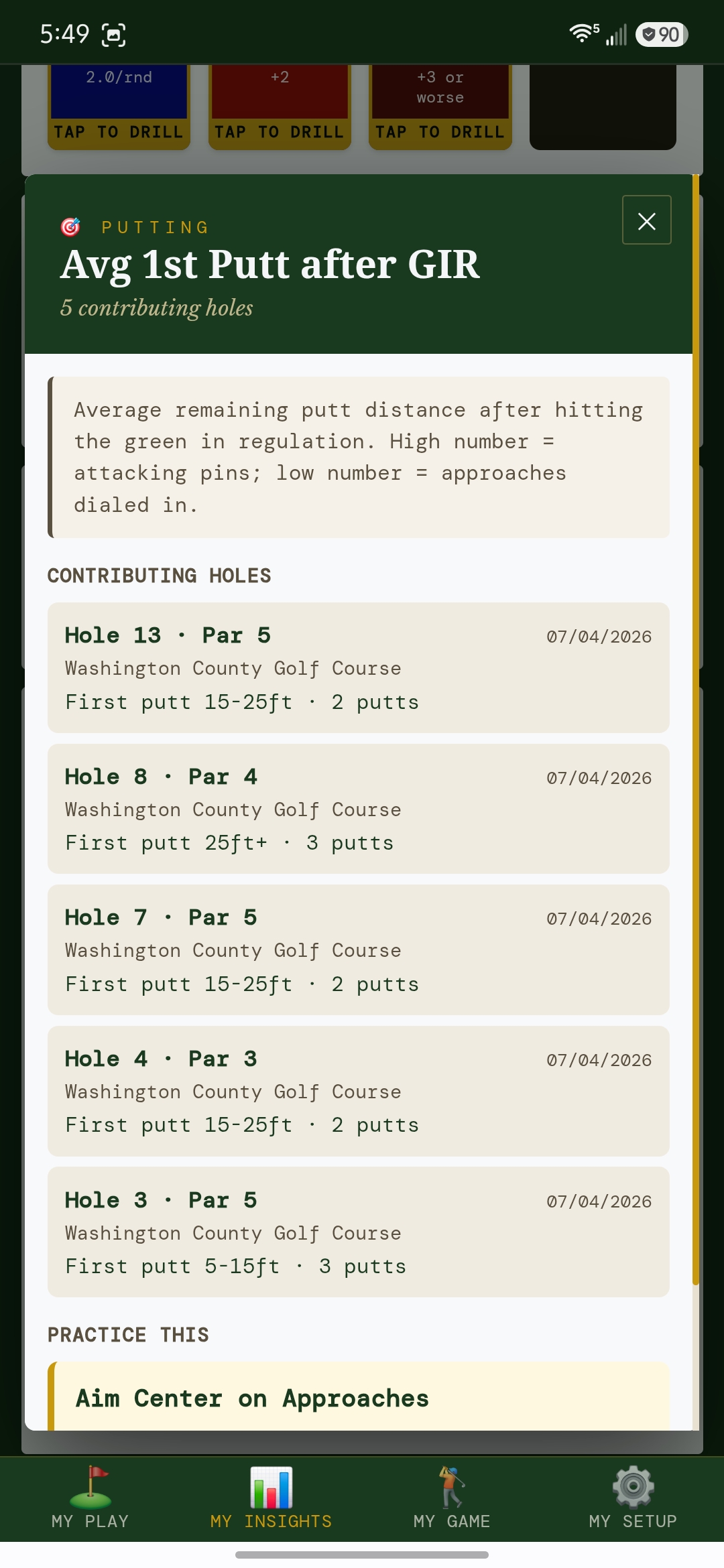
Find it in Round History → tap any round → Coach Report. The engine analyses your data against 17 patterns and ranks findings by stroke impact — biggest leaks first.

9

Track your progress

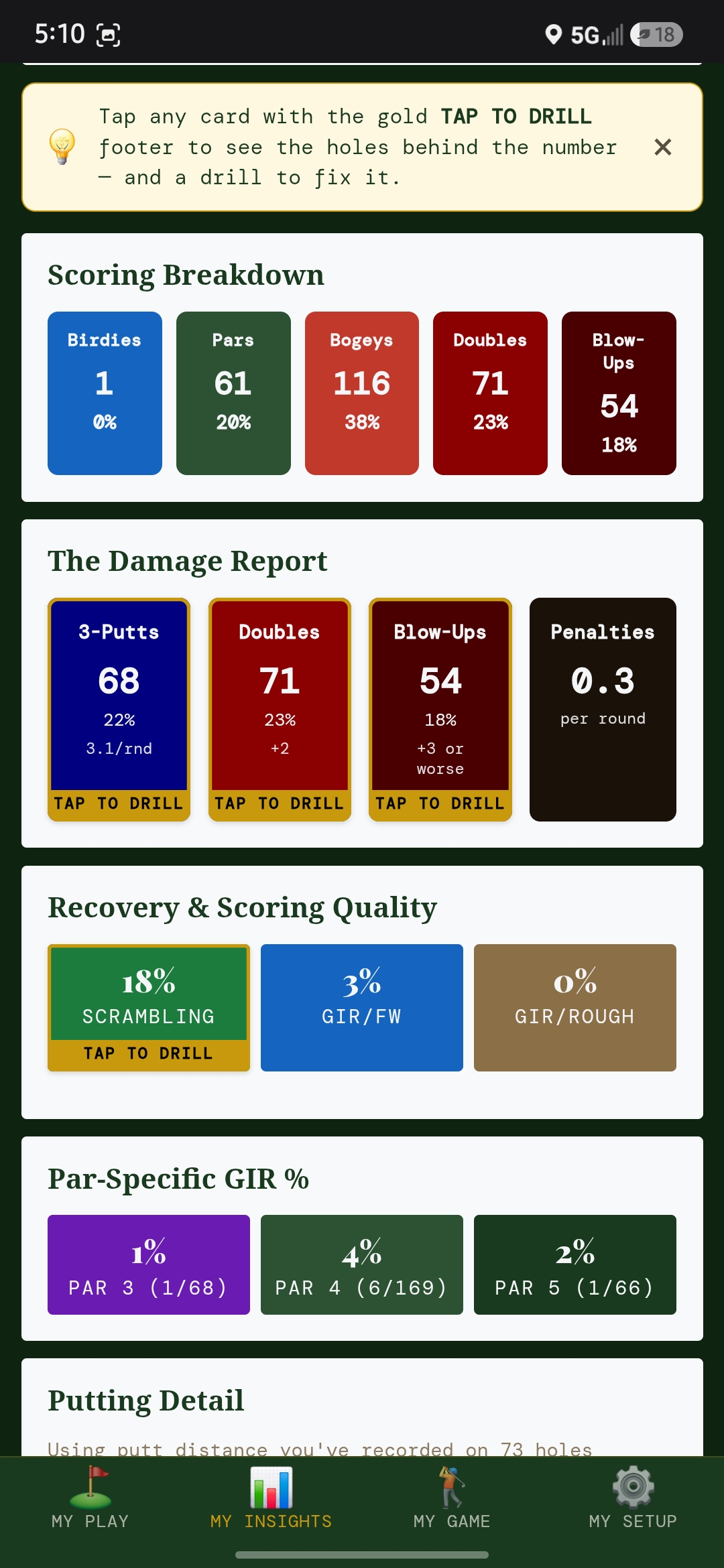
As you log more rounds, the Stats tab builds your profile — fairways, GIR, scrambling, putting, front vs back. Trend indicators show what's moving and what's stuck.

Ready to play smarter? 5 full rounds free — no credit card.

Start Free →

What you actually get after every round

Not a generic tip sheet — a ranked analysis of your specific round with actionable drills.

01

Your one focus — plus what's next

Every finding is ranked by how many strokes it's costing you. The top one becomes your single focus for the next round — a specific drill, not a list. You also see findings #2 and #3 so you know what's queued up after.

Example

"Spend 20 min on chips from tight lies. Scrambling at 24% is your biggest leak — costing roughly 2.1 strokes per round."

02

Combination patterns

The smarter insights come from cross-referencing stats. Fairways hit but greens missed means an iron problem, not a driving problem. The engine looks for these combinations so you don't practice the wrong thing.

Example

"You hit 61% of fairways but only 29% of greens — your driver is fine, your irons need work."

03

Par type breakdown

How you score on par 3s, 4s, and 5s separately. Most players have one par type dragging the whole card — this shows you which one instantly.

Example

"Par 3s are costing you the most: +1.6 avg vs +0.8 on par 4s and +0.2 on par 5s. Fix the tee shot."

04

Front vs back nine

If you consistently fade on the back nine, it shows up here. Back-nine drop-off is a stamina or focus pattern — knowing it exists is the first step to fixing it.

Example

"Your back nine averages 5 shots worse than your front over the last 4 rounds — likely focus, not skill."

05

Tag-based patterns

In Pro mode, shot tags (Fat, Thin, Hero Shot, Club Up) get detected across your round. Repeated contact misses trigger a ball-striking drill — the engine notices patterns you don't.

Example

"3 Fat contacts this round — work on ball-first contact before the next one."

Every stat — explained

Here's exactly what gets tracked and what it tells you about your game.

Fairways Hit % Standard + Pro

The percentage of par 4 and par 5 tee shots that find the fairway. Low fairway percentage forces longer, harder approach shots — every missed fairway makes the rest of the hole harder.

Tour avg: 60% · Good amateur: 45–55%
Greens in Regulation % Standard + Pro

How often you reach the green in the number of shots that leaves 2 putts for par. The single most predictive stat for scoring — improving GIR from 20% to 40% is worth several shots per round.

Tour avg: 67% · Good amateur: 30–45%
Scrambling % Standard + Pro

How often you save par when you miss the green. The most underrated stat in amateur golf — a poor scrambling rate punishes every missed green twice. A strong scrambling rate turns bogeys into pars.

Tour avg: 58% · Good amateur: 30–40%
Average Putts per Hole All modes

Your putting average across the round. Under 2.0 per hole is solid. Above 2.2 signals a lag putting or distance control problem. Tracked in every scoring mode — even Basic.

Tour avg: 1.73 · Good amateur: 1.9–2.1
Par Type Breakdown Standard + Pro

Your average score vs par, split by par 3, par 4, and par 5. Most amateurs carry one par type that's dragging their whole card. Knowing which one lets you practice with precision.

Common pattern: par 3s worst (tee shot club selection)
Front vs Back Nine Standard + Pro

Your score on each half, compared to par. A consistent gap (back nine always worse) flags stamina, focus, or course management patterns that only show up over multiple rounds.

A difference of 4+ shots signals a real pattern

Common questions

Does it work on iPhone?

Yes. Install from Safari — tap the Share icon, then Add to Home Screen. Works on iOS 16.4+ with full offline support.

What if I lose signal mid-round?

Nothing happens — the app keeps working. Every score is saved locally on your device as you go. Signal is never needed during a round.

Can I use it for multiple courses?

Yes. Add as many courses as you like. Each round links to a course and the scoring sheet shows the right par for each hole automatically.

Can I share my rounds?

Yes — after every round you can generate a branded share card (1080×1080 PNG with your score, hole-by-hole dots, achievement badges, and a QR code). Built for Instagram, Facebook, and iMessage. You can also export your full round history to CSV for spreadsheets and external coaching tools.

Is my data backed up?

After every round, the app shows a backup card — one tap sends your full data to your iOS share sheet (save to iCloud Drive or Files) or downloads it on Android. On iPhone, back up after every round: iOS can clear PWA data after 7 days of inactivity. You can also back up any time from Setup → About → Backup Now.

Do I need an account?

Not to start. You can score rounds immediately after install with no sign-up. An account will be needed for cloud sync when that ships.

Ready to play smarter?

Start free in under a minute, or claim the Founders rate — first 200 only, locked through July 31.